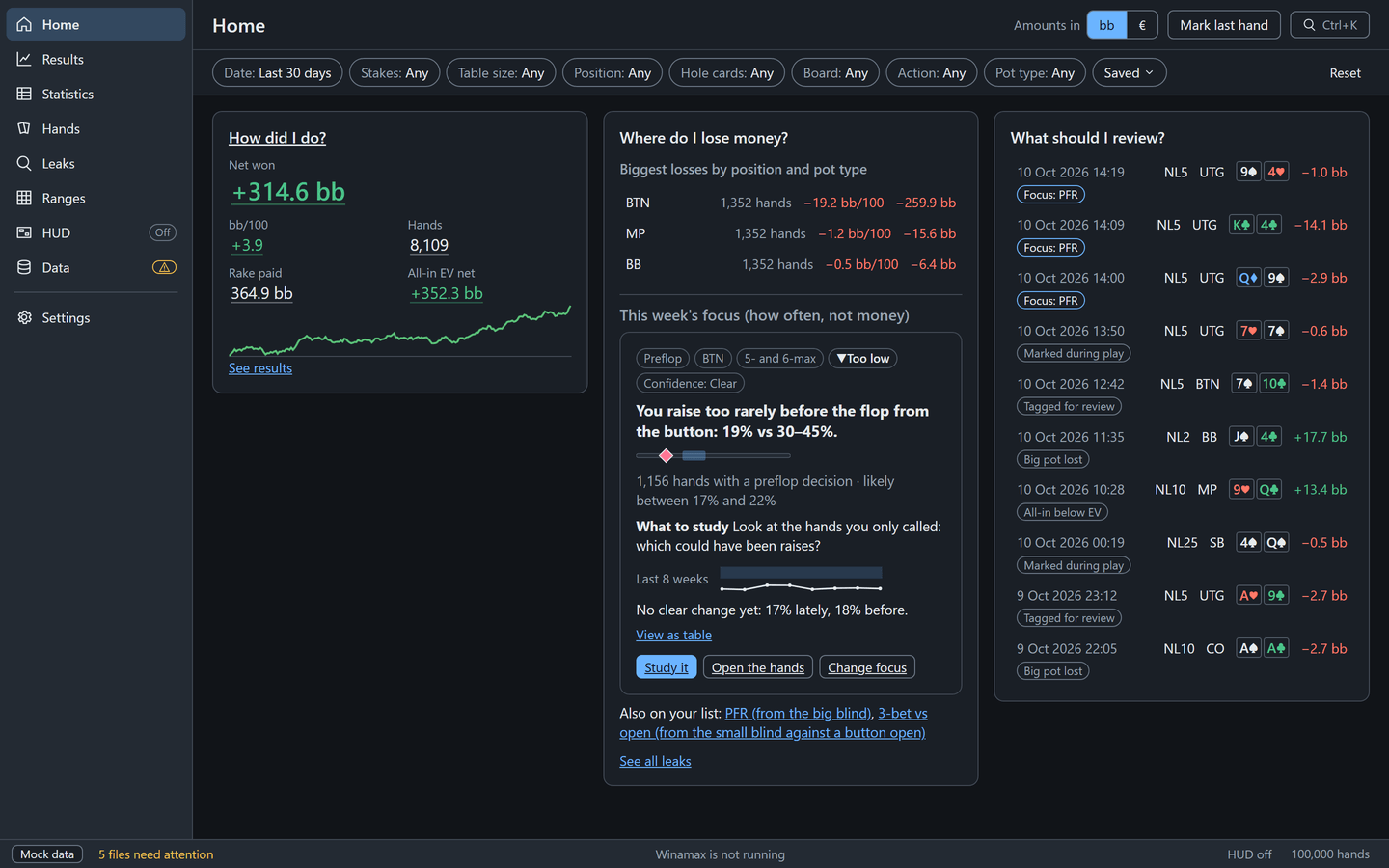
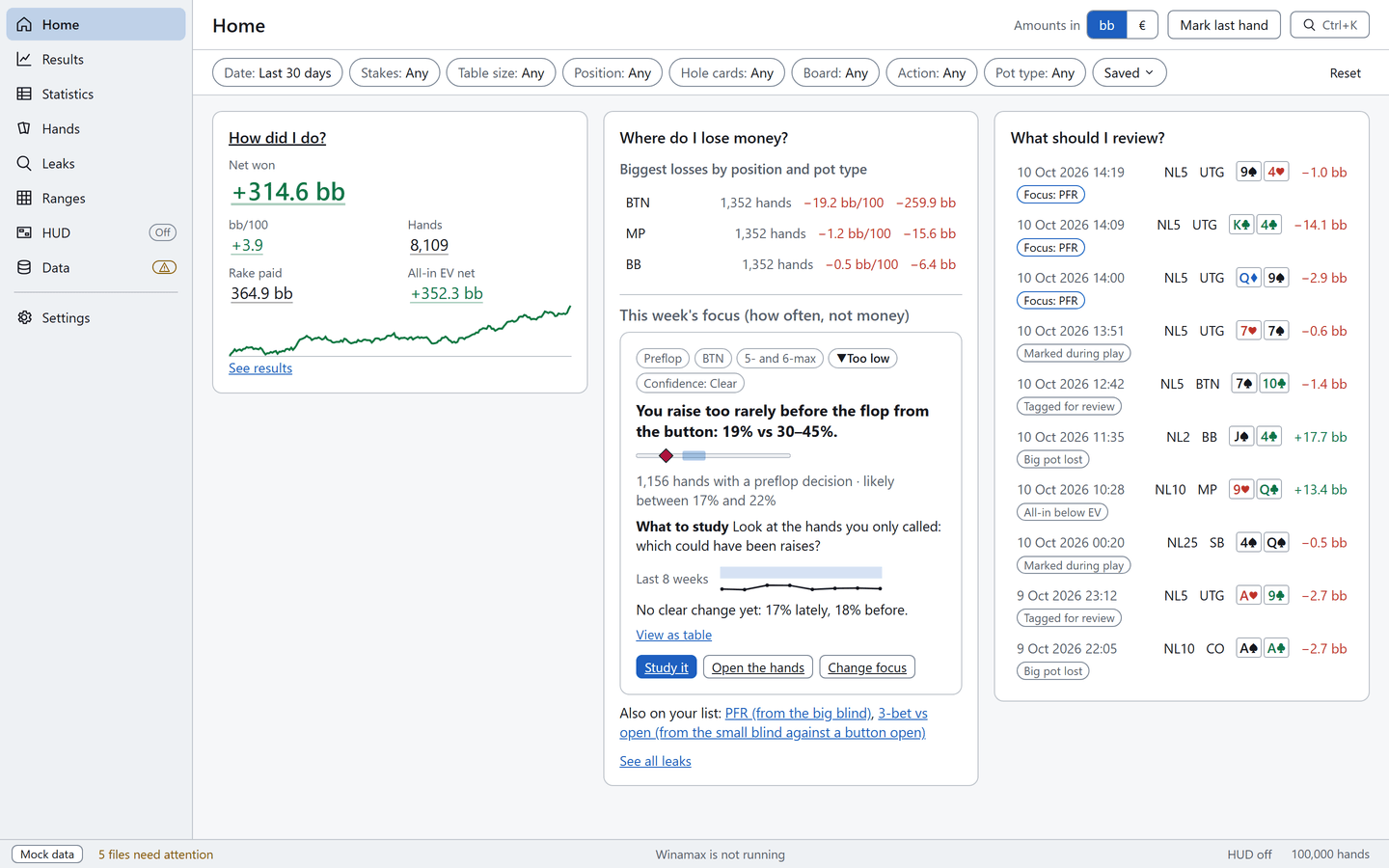
How did I do?
Net won, bb/100, all-in EV and rake for the period you pick, with your winnings graph.
Winamax NLHE cash games · Windows
PokTracker imports your No-Limit Hold'em cash hand histories, works out your stats and shows you what to review. Your hands never leave your PC.
Free for your first 1,000 hands, no account needed.
Net won, bb/100, all-in EV and rake for the period you pick, with your winnings graph.
Your costliest positions and pot types, then your biggest frequency gaps, always shown as frequencies.
A list of hands to replay, each with the reason it is there.
Inside PokTracker
A tracker for Winamax No-Limit Hold'em cash games, heads-up to 9-max. No tournaments, Expresso or Omaha.


One filter bar, the same on every screen: date, stake, table size, position. No "Run" button, no waiting.
Hover a stat to read its definition; click any number to see the hands behind it.
PokTracker Results screen: key figures and winnings graph, demo data.
Learn more: Reports that answer straight away

A stats panel beside each player at your tables, updated between hands from finished hands only.
You pick the stats and where they sit for each table size, heads-up to 9-max. The HUD stays off until you turn it on.
PokTracker HUD editor: one stats panel per seat on a 6-max table, demo data.
Learn more: A static HUD you read at a glance

Action by action, street by street, by mouse or keyboard, with each player's HUD beside their seat.
Four-colour deck, all-in EV, notes and colour labels on opponents, tags on your hands.
PokTracker hand list with cards, board and result, demo data.
Learn more: Replay any hand

Each stat is compared with a reference band you can edit: green inside the band, red outside, with ▲ or ▼ for the direction.
Small samples stay apart: 40 hands are not a leak. These are frequencies, not money.
PokTracker Leaks screen: gaps from the reference bands, ranked, demo data.
Learn more: Your leaks, ranked

Import a 13×13 chart from a screenshot or a whole folder: PokTracker reads the cells and shows you the ones to check. Then see how far you deviate by spot, on the grid and over time.
Range study closes while the Winamax client is running.
PokTracker 13×13 range grid comparing decisions with a chart, demo data.
Learn more: Check your preflop against your own chartsOne Windows installer, nothing to set up before you start.
On first launch it looks for Winamax's hand history folders and imports your cash hands. After that, new hands arrive while you play.
Home answers the three questions as soon as your first hands are in. Your first 1,000 hands are free.
Everything works for your first 1,000 own hands. After that, reports, the HUD and range study need a subscription. Import, the hand list, the replayer, backup and export always work.
Free
1,000 hands, no account
€99.90 per year
€9.99 per month
The amount charged is the one shown on Stripe's payment page, where you confirm it. You can cancel at any time from Manage billing.
Your subscription is sold and invoiced by Stripe, which collects VAT. Stripe's terms apply to the purchase.
A subscription is not an approval from Winamax. Read Winamax's rules
Not at this time: it is not on Winamax's list of authorised software. Winamax asks every player to get prior approval from its Game Integrity team (integrity@winamax.com) before using assistance software that is not on that list. Without that approval, you risk your Winamax account being closed. A subscription is not an approval from Winamax.
No. PokTracker is for your own hands, from your Winamax account. Bought or shared histories, or histories from other accounts, are against Winamax's rules.
On your PC, in the app's local database, with a copy of each imported hand history file. None of it is sent over the internet. Our account service only knows your email and the state of your subscription.
No. It shows fixed statistics from finished hands that do not change with the hand in progress. No ranges, no solver, no advice. It stays off until you turn it on.
No. Range study closes as soon as the Winamax client is open and opens again when you close it. The rest of the app stays available.
Windows only for now. There is no Mac, Linux or mobile version.
Everything, for your first 1,000 hands. After that, without a subscription, reports, the HUD and range study lock; import, the hand list, the replayer, backup and export keep working. Your hands are never deleted.
No. Install, import, and everything works up to 1,000 hands without an account. The account is only for subscribing.
Install, let the import run, read your answers. No account.
Download for Windows